Archivist

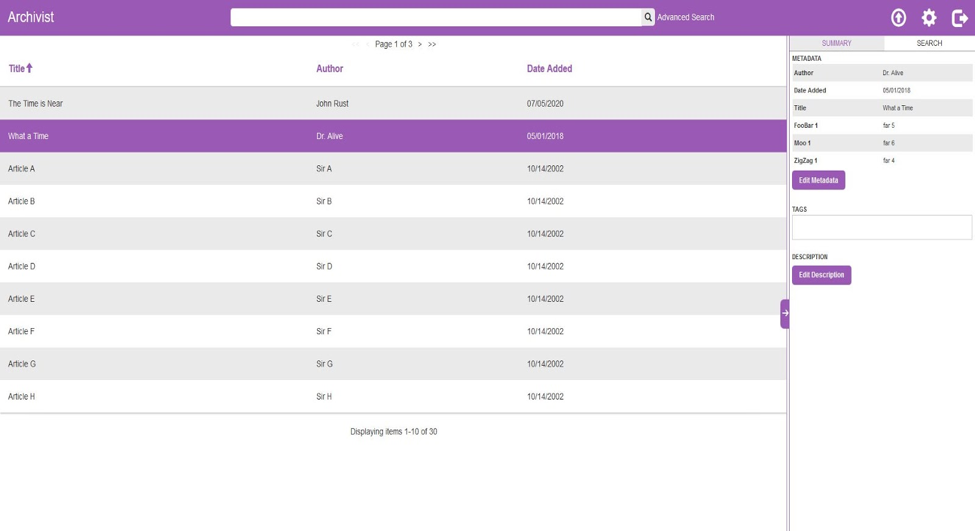
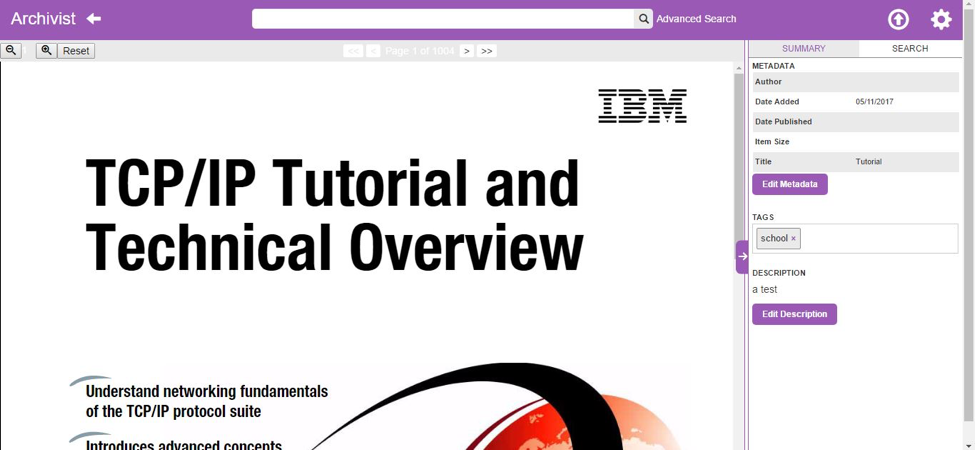
With so much useful information on the internet, it can be hard to keep track of websites and PDFs for reference. Bookmarks are clunky to organize, and keeping multiple tabs open can slow down your computer and clutter your screen. However, with Archivist, all of the websites and PDFs that you store are both easily accessible via our comprehensive search feature and out of the way when not in use. A carbon copy of a webpage can be archived in just a few seconds without ever leaving the page by using Archivist’s chrome extension. Each saved item is tied to automatically generated and editable metadata and tags to make the document easy to locate using our custom designed search. After saving, you can even search the text of a file to find an exact paragraph or phrase that you are thinking of.